
PhotoCraft.Open it. Make it.
Use the open-source image editor online, get the right desktop build, and find tutorials, resources and answers in one place.
No account required · Official v0.7.0 web build · English & 中文
New here? What is PhotoCraft?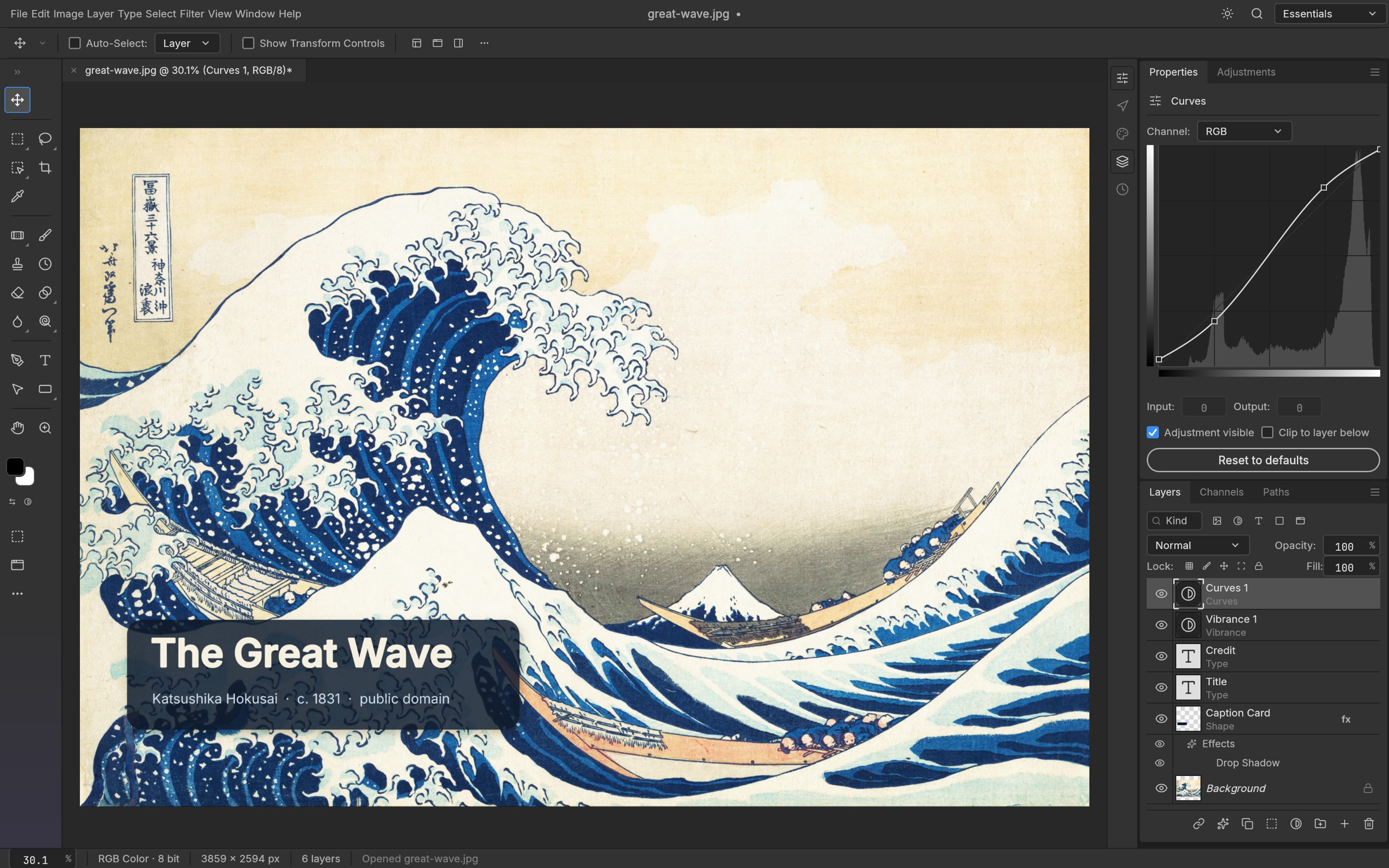
Everything you need to get moving
A working editor, a download route, and help for the task in front of you.
Choose how you use PhotoCraft
Start in your browser or choose the desktop package for your system and CPU.
Explore the editor and its ecosystem
Layers, formats, agents and the limits that matter to your workflow.
Layers, masks & color
Explore editing features by workflow.
Read guidePlatforms & integrations
Filter platforms, formats, agents and ecosystem entries.
Read guidePhotoCraft vs Photoshop
Compare 10 dimensions and plan a migration trial.
Read guideEdit with AI agents
Start with the official local MCP server.
Read guideKeyboard shortcuts
20 source-checked desktop shortcuts.
Read guideFollow the roadmap
Upstream priorities and remaining work.
Read guideFree resources for your next project
12 original CC0 files: SVG templates, practice files and CUBE LUTs.
 SVG
SVGBotanical social canvas
A quiet green composition with room for your own headline.
 SVG
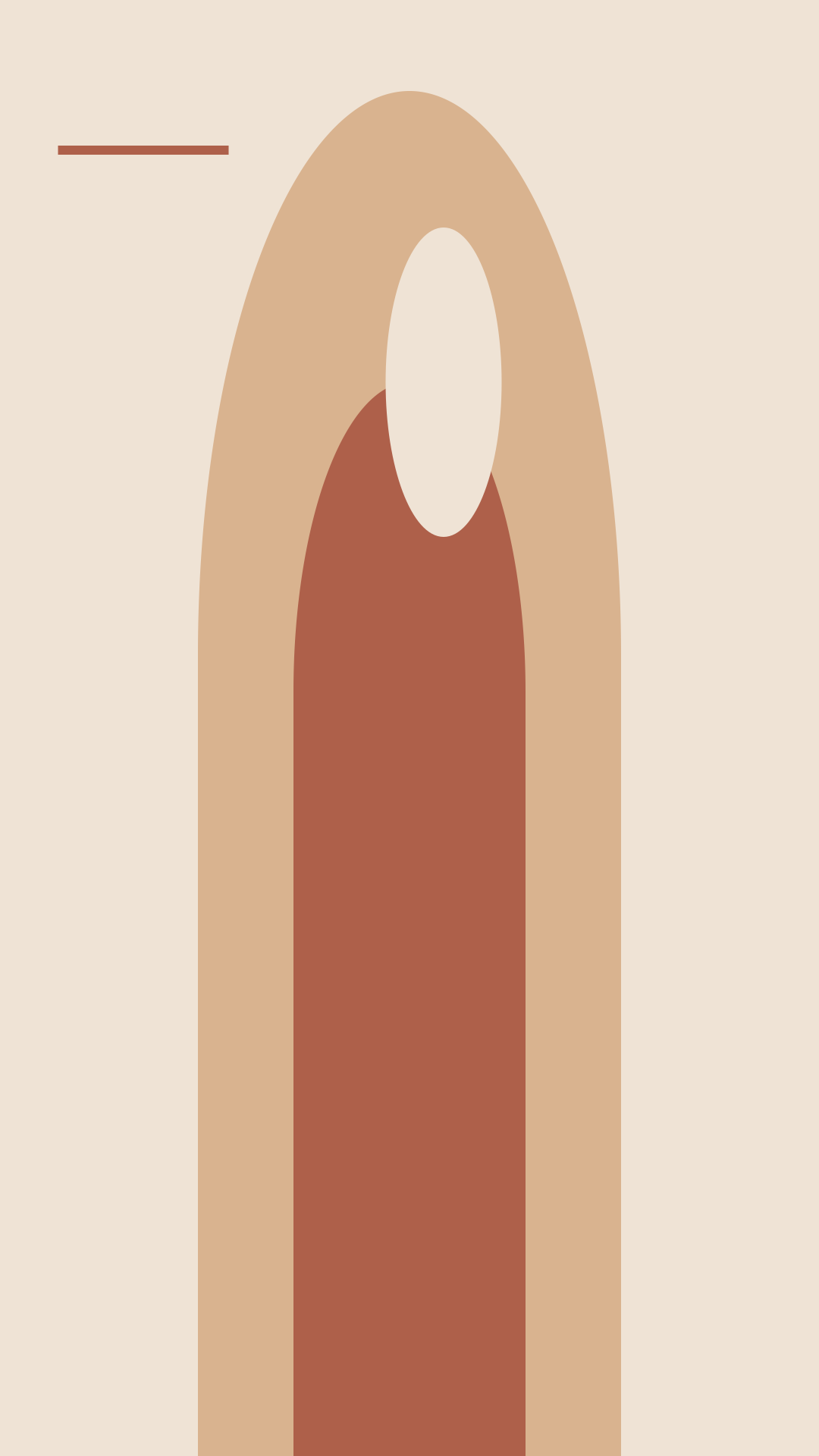
SVGTerracotta story canvas
Warm shapes for a portrait announcement or daily story.
 SVG
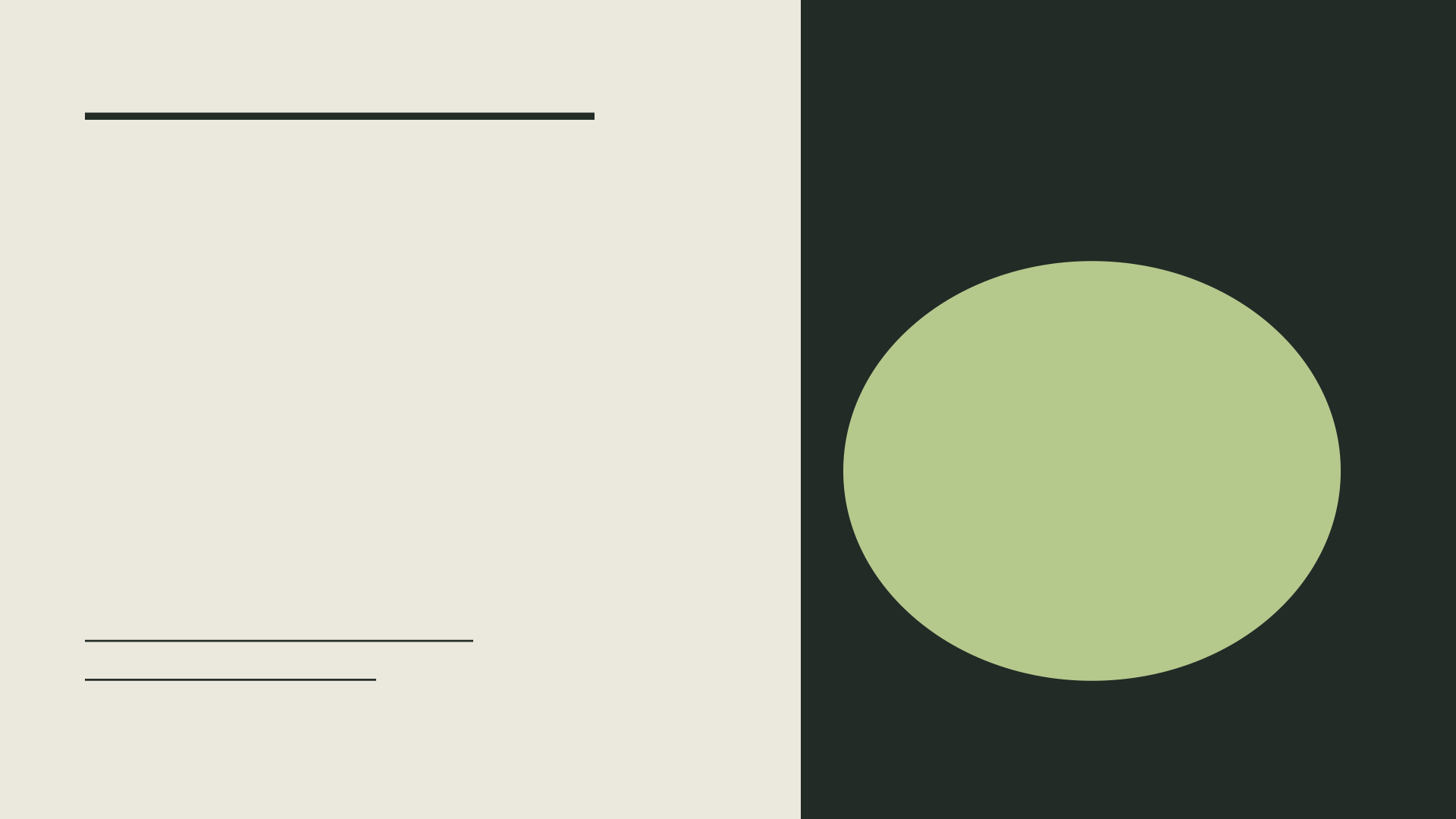
SVGEditorial cover canvas
A restrained landscape layout for a video or article cover.
 SVG
SVGProduct spotlight canvas
A circular stage and a clean background for a product cutout.
File checked · app testing pending · Explore LUTs · Practice files
Learn one task at a time
Search and filter the full guide library, from installation to automation.
Make your first project
Turn a free starting canvas into a simple image with your own headline.
Read guideUnderstand layers and masks
Keep edits reversible by separating content and visibility.
Read guideExport a transparent PNG
Keep the background transparent and verify the file outside the editor.
Read guideQuestions before you start
Can I use PhotoCraft online?
Yes. Our online editor loads the official v0.7.0 WebAssembly release. It is the upstream application, hosted here. Browser and GPU support determine whether it can start.
Is it free?
The upstream editor is open source under MIT or Apache-2.0. Our guides and original CC0 downloads require no account.
Are images uploaded?
The hosted editor runs in your browser. We provide no image-upload backend. Website feedback is a separate text-submission service.
Can it replace Photoshop?
Upstream still describes this release as early alpha. Test a complete workflow and PSD exchange before depending on it for professional work.
Which desktop build do I need?
Use the Launcher or select a standalone package matching your system and processor architecture. Our download guide links to official assets.
Is this an official site?
PhotoCraft Fans is independent. Application sources, licenses and community destinations are attributed to their upstream owners.