
Explore PhotoCraft features
Layers, color, formats and automation: find the workflow you need.
An open-source image editor, in your browser or on your desktop
PhotoCraft is a Rust-based image editor with layers, masks, adjustments, typography, vectors and PSD workflows. Start online, choose a desktop package, or explore one concrete task below.
PhotoCraft is in early alpha. Keep original files and test a copy before relying on it for important work.
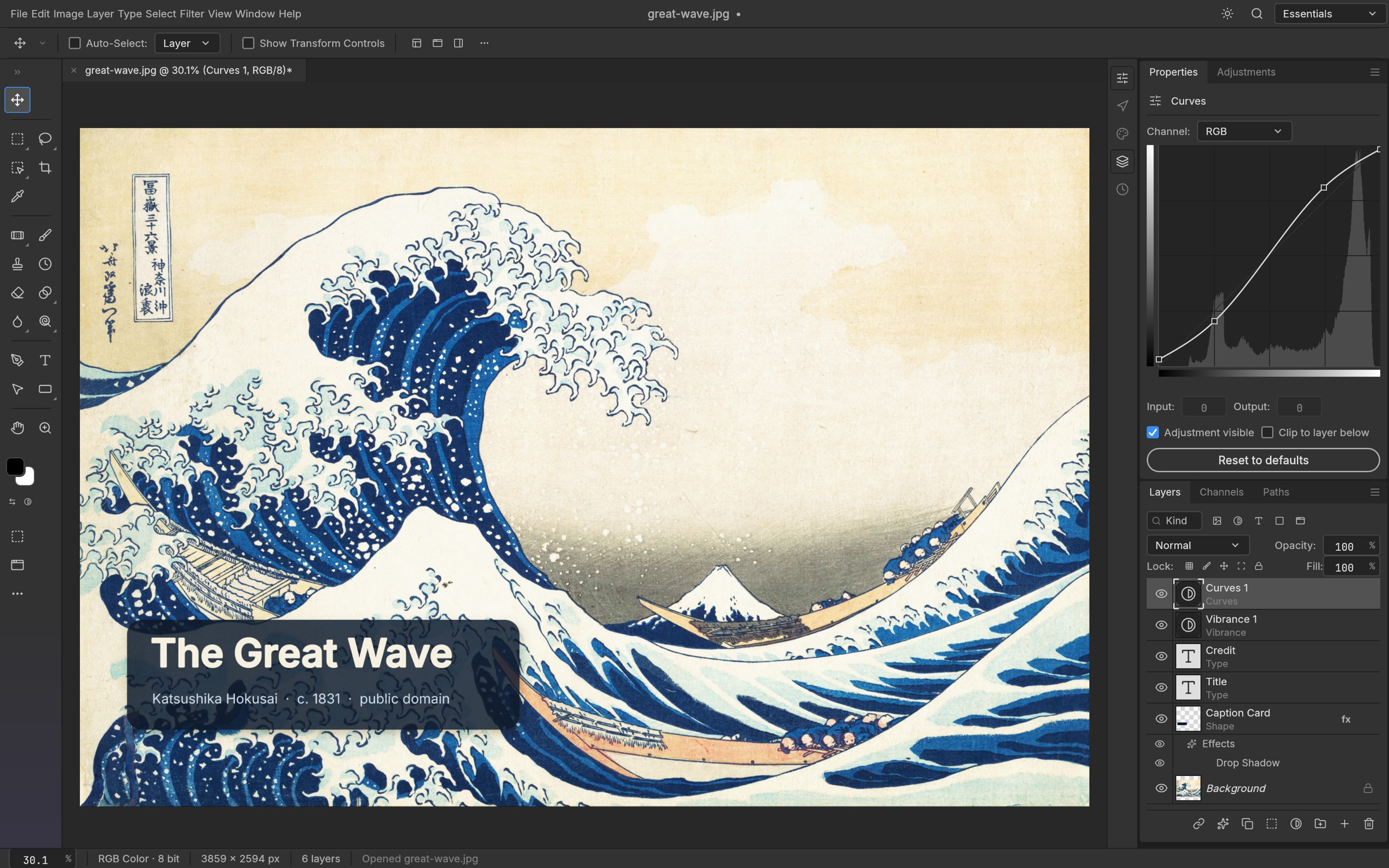
Layer organization
Groups, clipping, opacity and blend modes.
Explore workflowNon-destructive adjustments
Curves, Levels and color adjustment layers.
Explore workflowPixel & vector masks
Control visible regions while keeping the source.
Explore workflowPSD / PSB documents
Layered import and export; check round-trip behavior.
Explore workflowSmart objects & styles
Upstream documents smart filters and layer effects.
Explore workflowType, shapes & brushes
Create image compositions with editable elements.
Explore workflowColor models
RGB, CMYK, Lab and grayscale in upstream documentation.
Explore workflowDepth & profiles
Check bit depth and ICC requirements for your workflow.
Explore workflowTransparent export
Choose PNG when the result needs transparency.
Explore workflowLUT color looks
Original CUBE starting points for Color Lookup.
Explore workflowCrop & resize
Prepare images for the dimensions you need.
Explore workflowFormat compatibility
Read, write and optional build features can differ.
Explore workflowCommand-line editing
Run the official CLI on a disposable sample first.
Explore workflowMCP workflows
Connect a compatible agent to the local CLI server.
Explore workflowBatch preparation
Validate one output before processing a folder.
Explore workflowDesktop control
Upstream has an authenticated loopback control protocol.
Explore workflowBrowser editing
Run the official v0.7.0 WebAssembly build here.
Explore workflowUseful reports
Prepare reproducible steps for upstream maintainers.
Explore workflowCapabilities are summarized from upstream v0.7.0 documentation, not an equivalence test. Check upstream documentation
Compare with PhotoshopSee the application at work
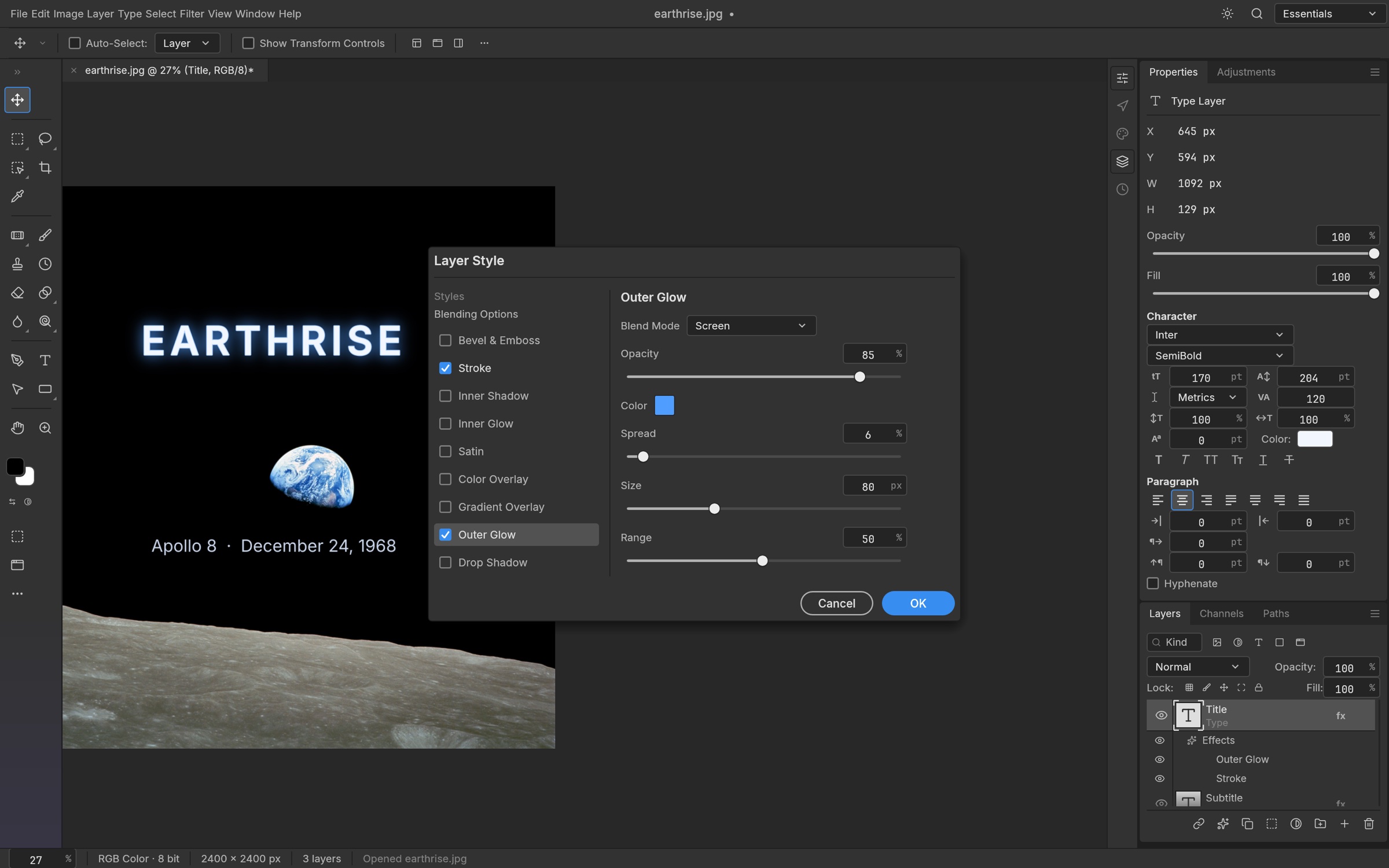
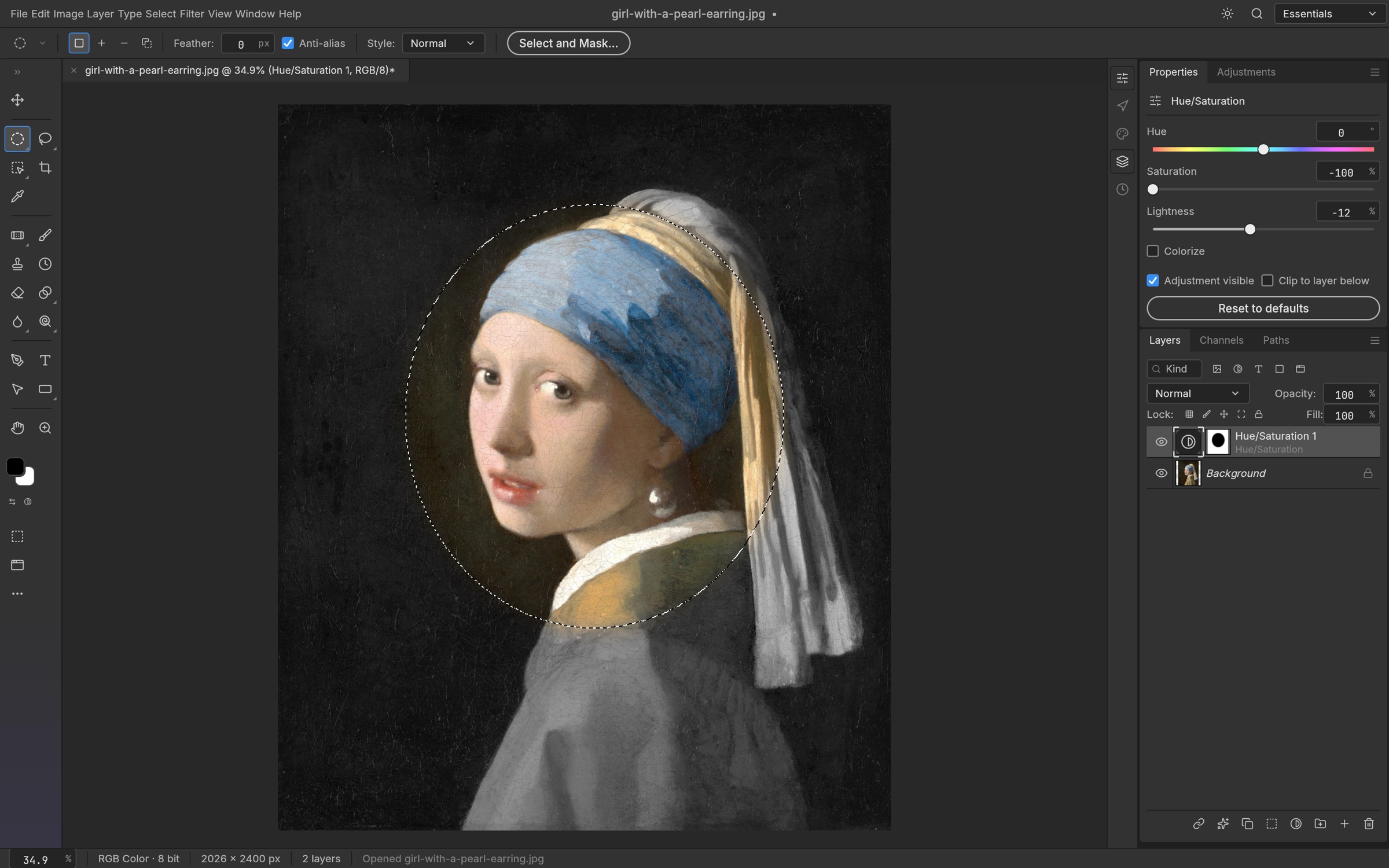
Official screenshots. Open a full-size image or launch the editor to try it yourself.
git clone https://github.com/storytold/photocraft.git
cd photocraft
cargo run --release -p photocraft
Source-build route for developers; check the upstream Rust and platform requirements first. Most users can use the online editor or official installers.